Iteration Shaders
Start a Minecraft Server in Under 5 Minutes!
- Simple Server Setup
- All Mods & Plugins Supported
- 7 Day Money Back Guarantee
Iteration Shaders — The Heartbeat of a Living Minecraft World
There’s a special kind of magic in Minecraft when you load into your world after installing a new shader — that quiet pause before you move, when everything suddenly feels alive. That’s exactly what happens with Iteration Shaders.
The world you know instantly changes. The sunlight feels warmer, the air feels thicker, and every shadow stretches with purpose. It’s not about being flashy or overly realistic — it’s about feeling. The kind of beauty that makes you stop mining just to watch the light move across the grass.
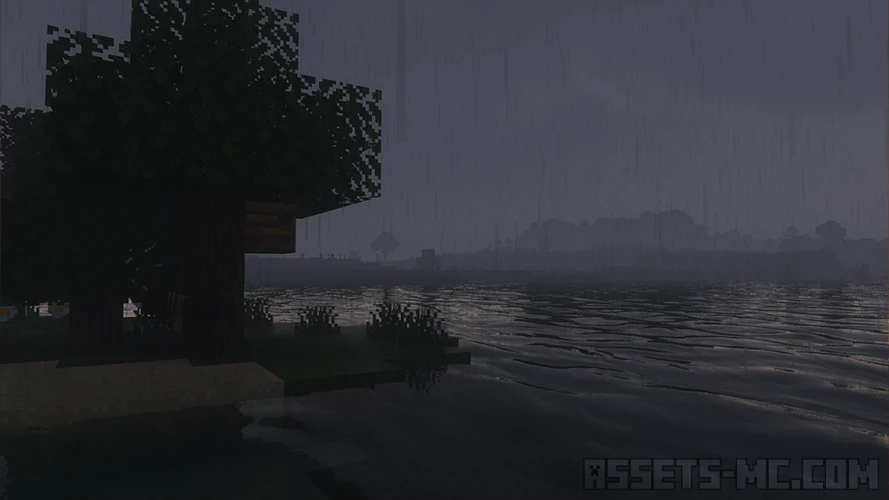
Iteration Shaders captures something deeply emotional. The way sunlight seeps between trees, how rain sparkles under dim skies, how torches glow in the dark — it all feels personal, almost nostalgic. From the first moment, you realize this isn’t just another shader. It’s a whole new mood.
Comparison & Version Info
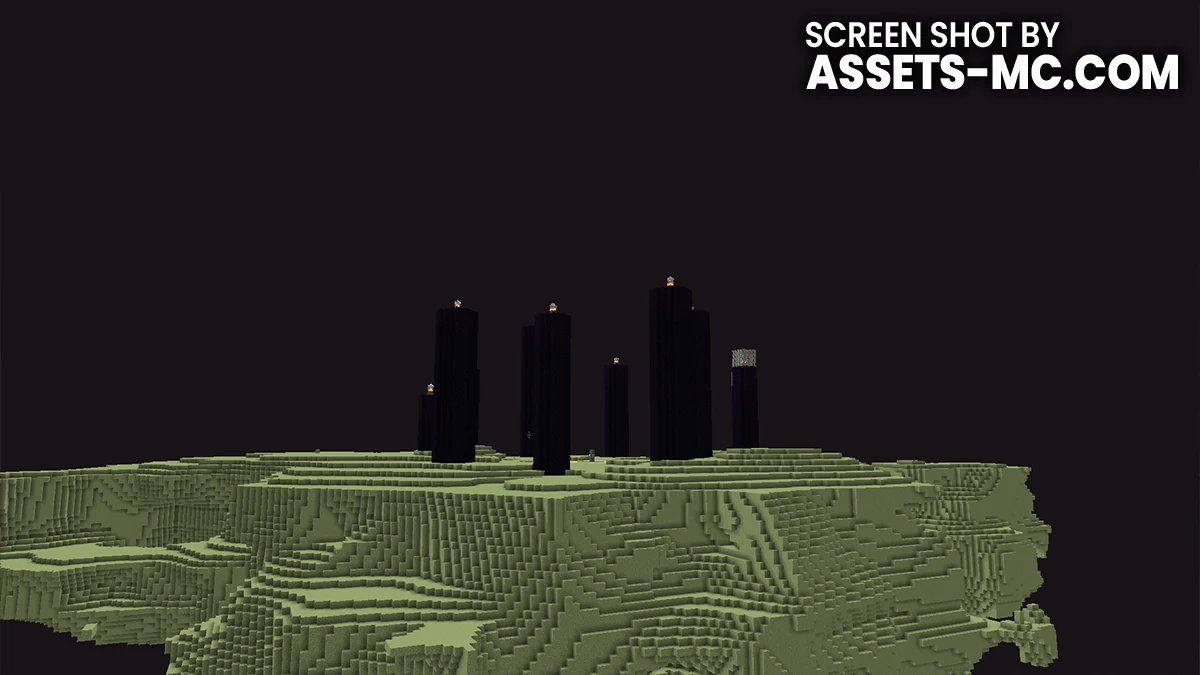
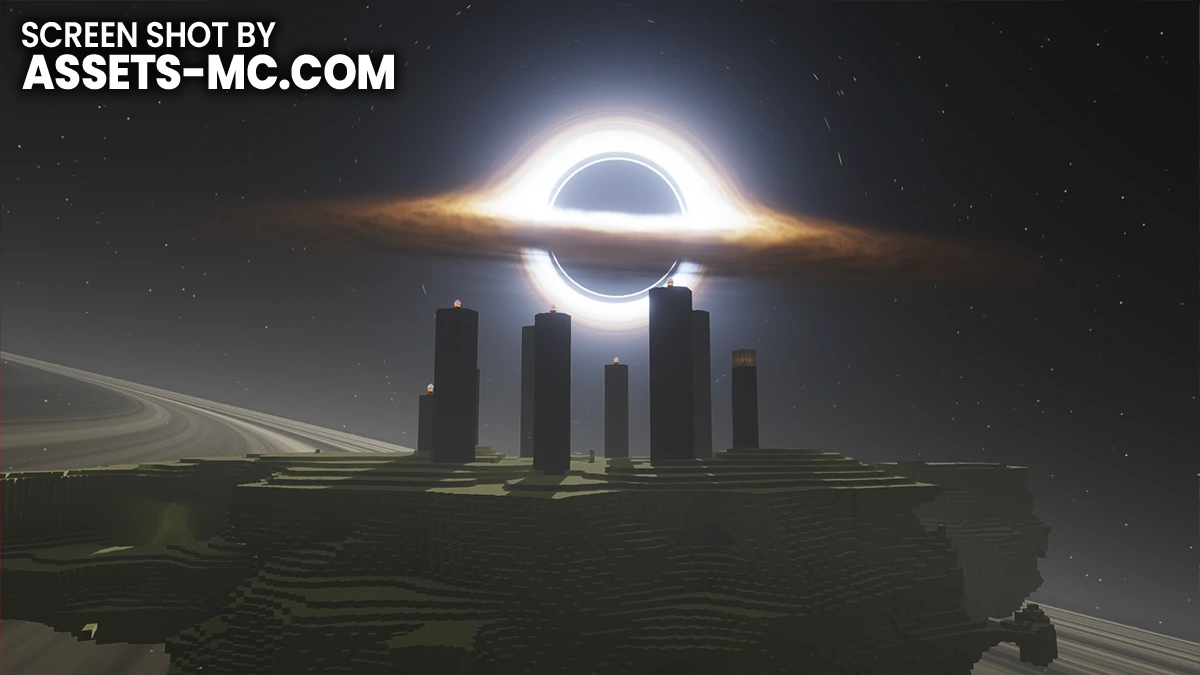

Why Players Love This Shader Pack?
Players adore Iteration Shaders because it brings beauty without breaking immersion. It doesn’t demand your attention — it rewards it.
If you play survival, it makes the world peaceful and inviting. Long nights in your base feel cozy, and even rainy days have this quiet charm. The lighting is never harsh, so you can play for hours without getting tired of the visuals.
For builders, it’s like a dream lens. Every structure you make feels instantly more photogenic. The lighting highlights block textures beautifully — wood, stone, glass, all come alive in soft tones. Even the most simple builds look elegant under Iteration’s balance of light and color.
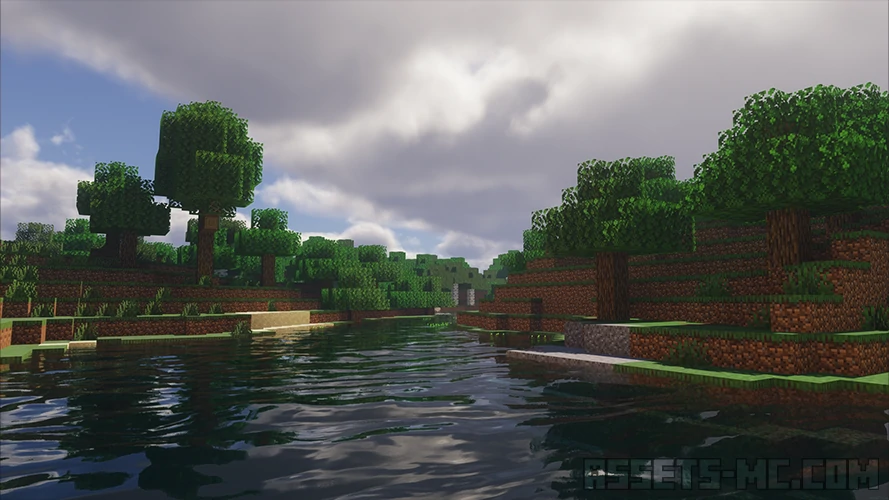
For cinematic creators and screenshot enthusiasts, Iteration Shaders feels like an emotional filter. The way it handles shadows, reflections, and time-of-day transitions is natural and expressive. Screenshots taken with it tell a story — no editing needed.
It also hits that perfect middle ground between performance and quality. You don’t need a monster PC to enjoy it, yet it still delivers that immersive shader experience that feels like stepping into a real world.
But perhaps the most important reason people love Iteration is comfort. Some shader packs look stunning at first but become overwhelming after a while. Iteration doesn’t. It’s easy on the eyes, gentle on performance, and endlessly playable. You can live in this world — not just admire it.
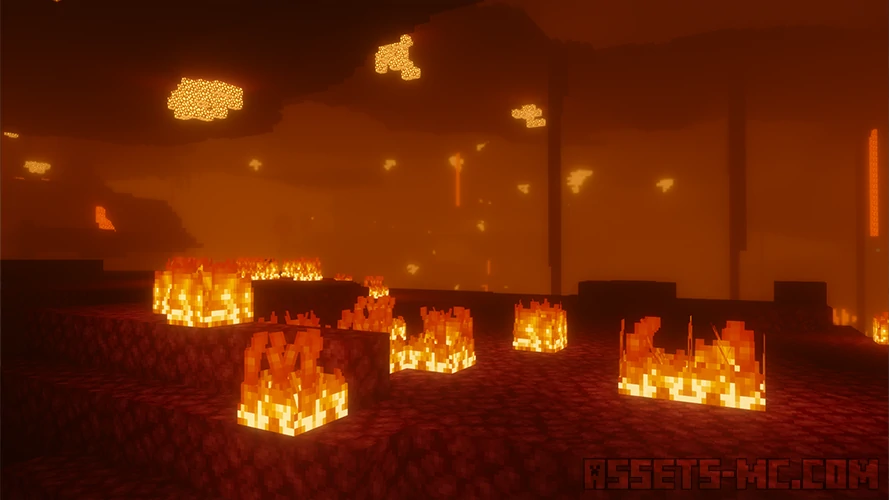
Video & Screen Shoots
Recommended Texture Packs to Pair With Iteration Shaders
Shaders and texture packs are like partners in art — the right match can make magic. Iteration Shaders pairs beautifully with many, but here are a few that truly stand out:
1. Faithless Texture Pack — For cozy, storybook vibes.
Faithless has that charming, handcrafted look. Paired with Iteration’s soft lighting, your world feels nostalgic, warm, and full of life. Perfect for survival players who want comfort and character.
2. Patrix x32 Texture Pack — For realism and detail.
Patrix textures look incredible under Iteration. Stone feels rough, wood has depth, and landscapes become beautifully photorealistic — without breaking Minecraft’s identity. Together they create one of the most realistic lighting shader experiences possible.
3. Bare Bones Texture Pack — For clean and bright simplicity.
Bare Bones keeps things minimal and easy to read. With Iteration, that simplicity becomes elegant. Colors blend smoothly, shadows stay soft, and your builds look polished and harmonious.
How to Install Iteration Shaders?
Download the Iteration Shaders for Minecraft using the button below.
Install Iris or OptiFine — we recommend using Iris for smoother performance and higher FPS.
Open your Minecraft Launcher and select the Iris or OptiFine profile you just installed.
Start the game.
For Iris:
Go to Options → Video Settings → Shader Packs.
Click Open Shader Pack Folder to open the shaderpacks directory.
For OptiFine:
Go to Options → Video Settings → Shaders.
Then click Shaders Folder to access the shaderpacks folder.
Move the downloaded ZIP file into that folder (
.minecraft/shaderpacks).Return to Minecraft and select Iteration Shaders from your shader list.
Click Done or Apply, and enjoy your new visuals.
Iteration Shaders Download
- Credits: Full credit for creating Iteration Shaders goes to Chapisco.
- Please note that none of the files are hosted on our servers — all direct download links are provided by the official creators.
- Every pack is thoroughly checked and confirmed to be free from viruses, ensuring a completely safe and secure download experience for all users.